
Visitor Management System for Schools
A visitor management system for schools is a fantastic way for your school to look modern. It gives visitors a professional and efficient first impression upon arrival.
Visitor sign-in consoles keep track of staff and visitors. They replace the old-fashioned signing-in book.
Classroom365 can help you choose the best school visitor management system. There are many options available, and the choice can be overwhelming. Classroom365 has extensive experience with the different models on the market. As an authorised reseller, we recommend both of the following systems.
- InVentry System – Currently the most popular visitor sign-in system for education. InVentry uses a custom console mounted at the school’s reception area. It requires power and connectivity to the school network.
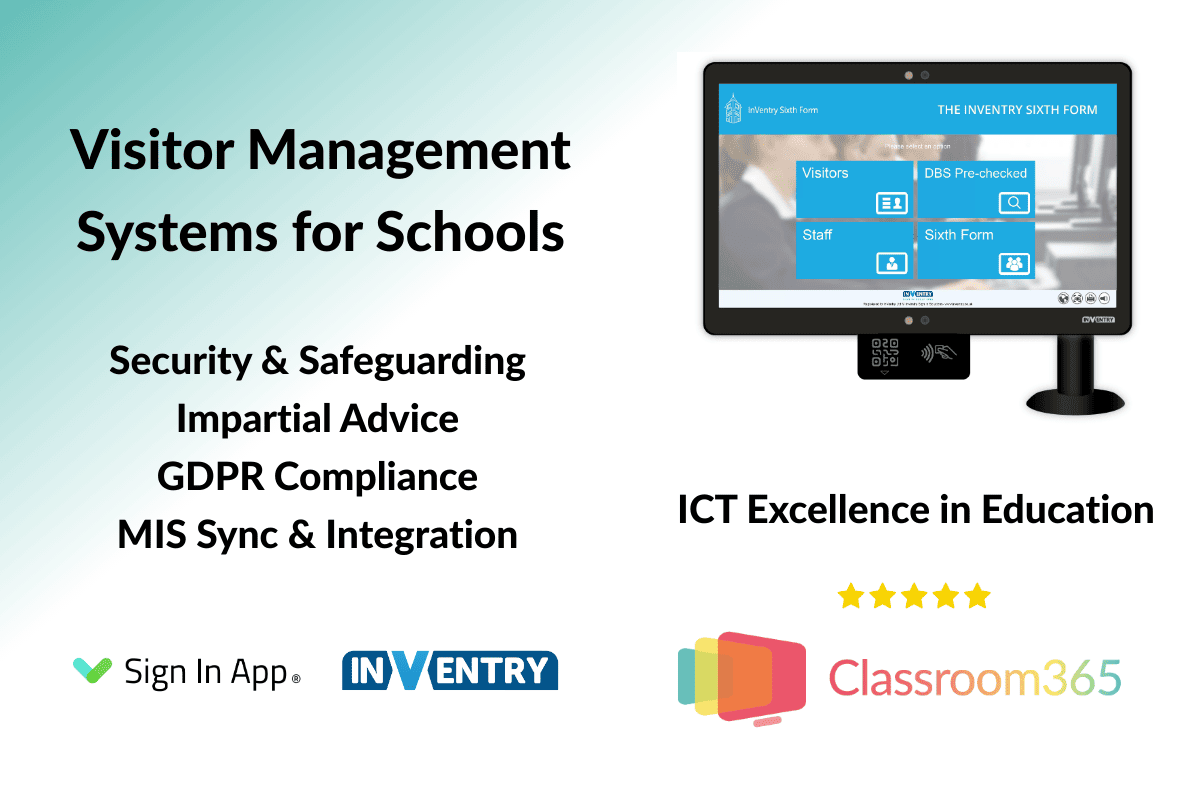
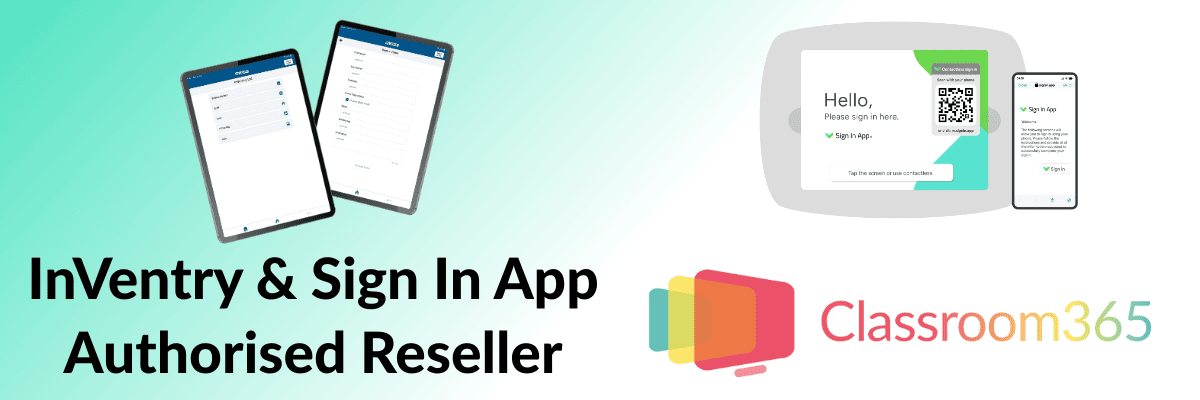
- Sign In App Visitor Management – The fastest-growing visitor check-in system used by over 3,500 schools and colleges in the UK. Sign In App has options for mounted stands and offers flexible mobile options using an iPad.
For impartial advice and further information about pricing, please complete the contact form below.
What is a School Visitor Management System?
A school visitor management system allows educational establishments to implement digital safeguarding. It applies to all visitors and staff to the site. It records the visitor’s details, who they are visiting and takes a photo for a photo ID.
Visitor registration allows authorised staff to view records of who arrived and left the site. They can also see when they did so. You can also check DBS records with the DBS checker, which is included with the InVentry system.
Benefits of a Visitor Management System for Schools
An electronic visitor sign-in system has many benefits over a paper and pen method of recording visitors.
- Security and safeguarding for prioritising the safety of staff and students.
- A professional and modern welcome for visitors.
- A digital record is available to management staff as needed. It tracks staff, visitors, and contractor visits to your school.
- Assists with fire drills and emergencies.
- Compliance with GDPR for schools. Some free visitor management systems available as an app may host data outside the UK. Be careful with your chosen solution to remain UK compliant.
- Arrival alerts can automatically let the host know their visitor has arrived and is waiting in reception.
Visitor Management Systems - Request Information
Although more expensive than a book and pen, the visitor management system price can be easily budgeted. After the initial hardware outlay, the main costs are for the annual subscription. You’ll also need to buy printer ink and labels for the badge printer. Learn more here about the IT hardware for schools provided by Classroom365.

How Much Does a Visitor Sign-In System Cost?
As expected, prices for electronic visitor sign-in systems vary considerably. They range from a free tablet app to a fully customisable visitor sign-in console. The console can be wall-mounted or have a floor stand. Different solutions will suit your school environment.
Classroom365 doesn’t recommend free apps; they are free for many reasons!
- Non-UK compliant data protection.
- Limited or no support and compatibility issues with printers.
- You may find hidden subscription costs. The last thing a school needs is to set up a new system and find out you must pay after a “free trial” ends.
- No integrations are available for the school’s management software. This is important because having a separate database for your MIS and visitor management system (VMS) will mean one will be outdated. They need to sync together.
We recommend two systems to schools: Sign In App and InVentry Sign-In. Both meet the requirements but are paid-for services. Each offers a subscription model after the initial hardware purchase, installation and training.
Running Costs for an Electronic Visitor Sign-In System
The school visitor management system you buy will have an annual subscription cost. The subscription will cover:
- Hardware and software support for the VMS.
- System updates for security and stability.
- MIS integration software support and licence.
Other ongoing costs will include:
- Print toner or ink for the printing of visitor management system badges.
- Custom badges, labels and other accessories such as lanyards. The Safetyshop has various ID badges and visitor management accessories available.
If you are interested in a new school visitor sign-in system and would like some advice, please get in touch.
Please visit our home page to learn more about IT services for UK education from Classroom365.

Mark Friend, BSc (Hons), is a Company Director at Classroom365 and has worked in technology for nearly 30 years. His IT career started with Rothschild Bank in Sydney, Australia, before working as a Global VPN Project Manager for the British Council. Mark has 20 years of experience in the UK education sector, helping schools integrate the latest tech into their curriculum and ICT vision.